

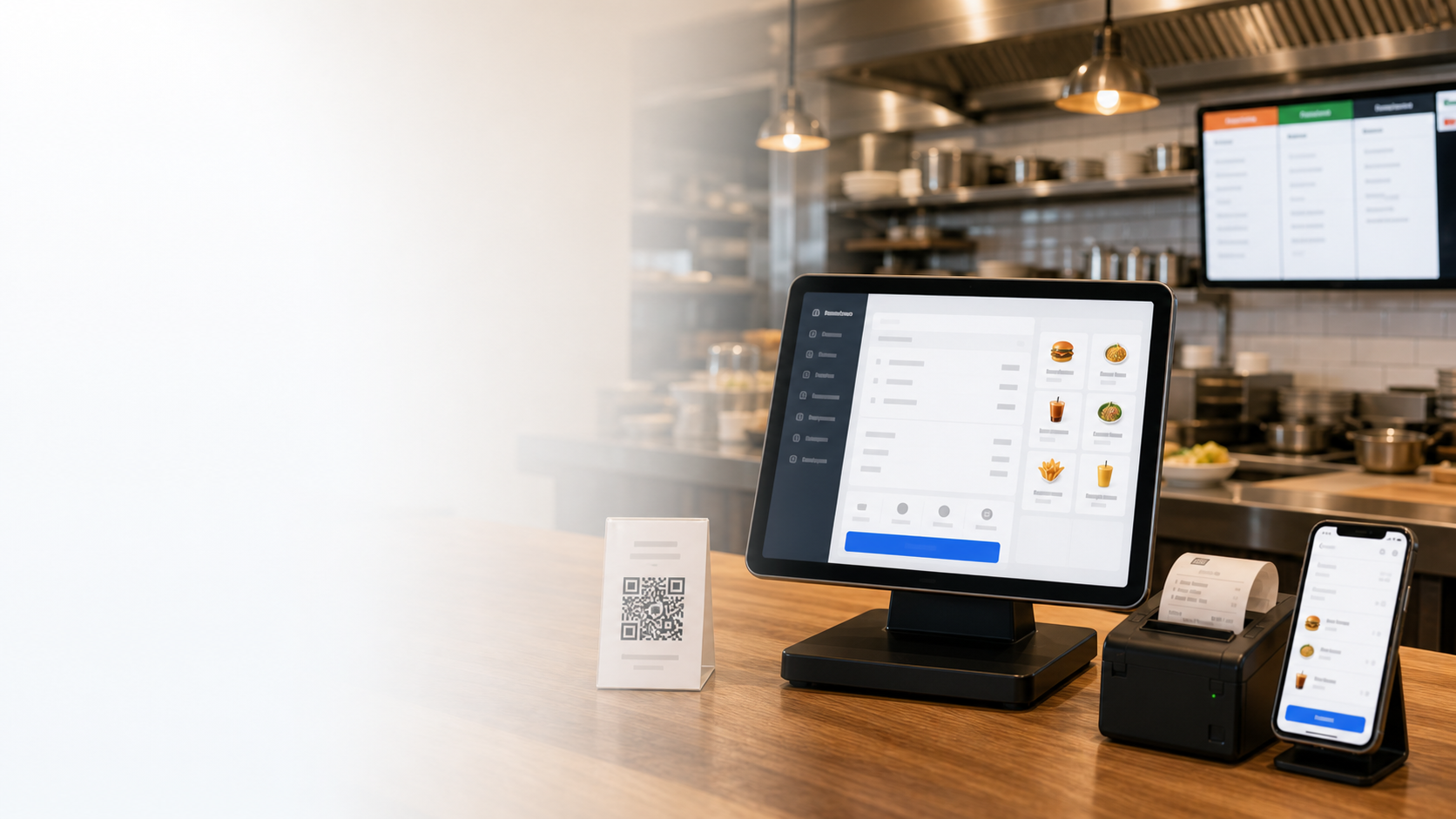


Interface in your language
Website, POS, KDS, mobile app and reports stay in the selected language.
All-in-one restaurant system
Run cashier, QR ordering, kitchen display, delivery, loyalty and reports from one cloud platform in your market language.
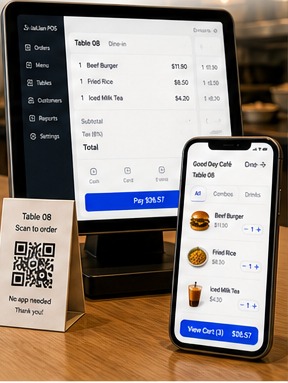
Website, POS, KDS, mobile app and reports stay in the selected language.
Dates, tax labels, payment terms and currency adapt to local habits.
Cashier, kitchen and manager views keep only the controls each role needs.
Guides, training and local support help teams start quickly.
500,000+
Merchants trust us
Across 30+ countries
170+
Powerful functions
Cover cashier, kitchen and management
99.9%
System uptime
Stable and reliable
Live 99.9%
POS + QR + KDS
All-in-one solution
Mobile and cloud reports included
Localize cashier, QR ordering, kitchen display, mobile management and reports for each market without changing the operating flow.
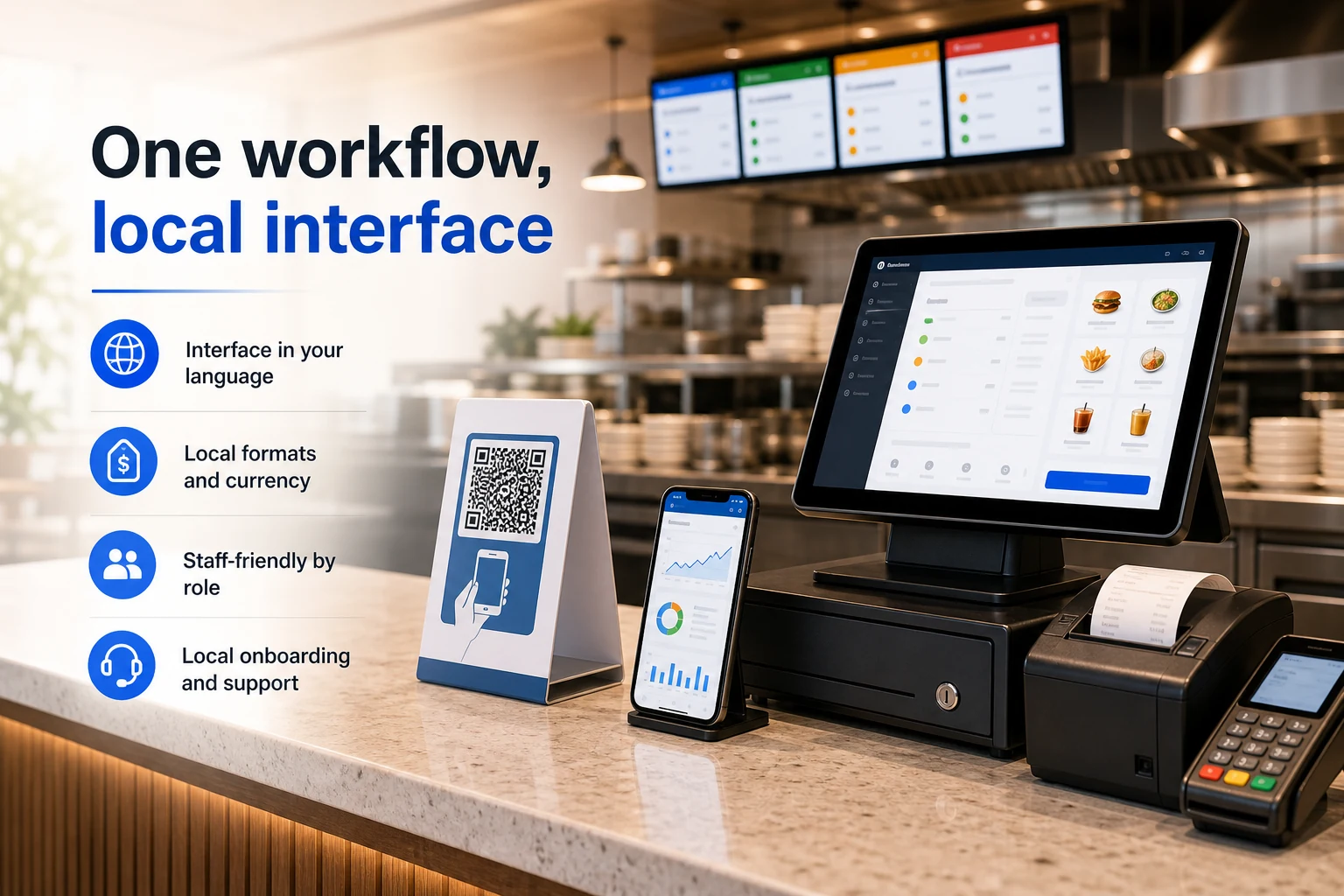
Website, POS, KDS, mobile app and reports stay in the selected language.
Dates, tax labels, payment terms and currency adapt to local habits.
Cashier, kitchen and manager views keep only the controls each role needs.
Guides, training and local support help teams start quickly.
One localized system keeps customer ordering, cashier, kitchen and management in sync, so a busy shift does not depend on manual handoffs.
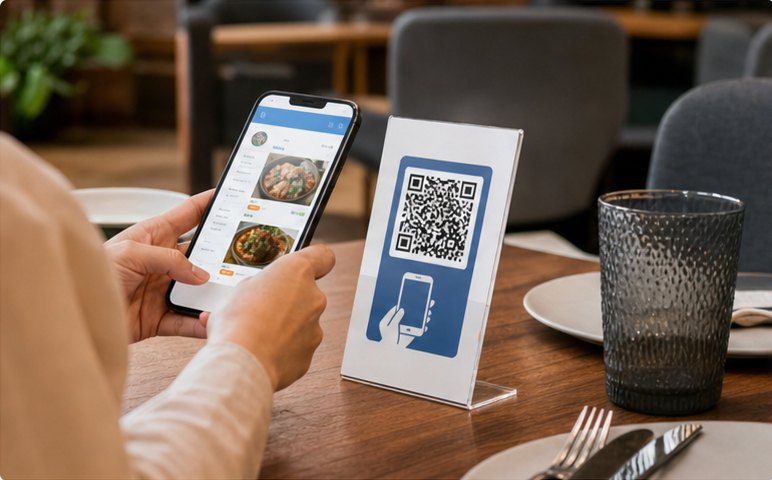
Customers scan QR, browse the local menu and place an order.
Order placed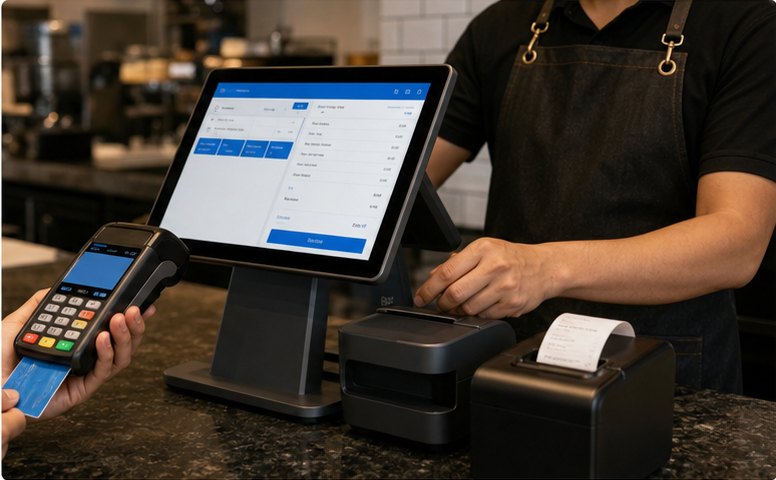
Cashier reviews the order, splits bills and collects payment.
Payment received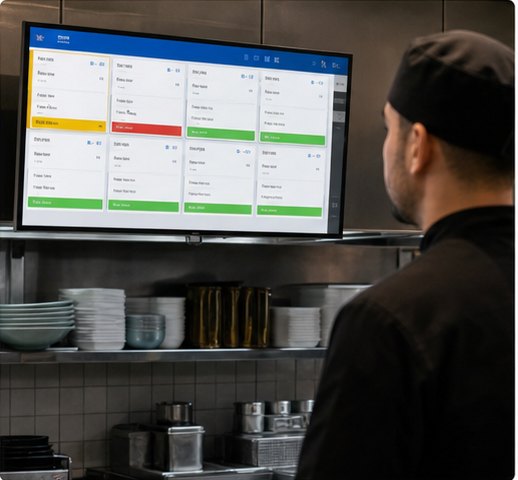
KDS shows orders by station and routes items to kitchen.
In the kitchen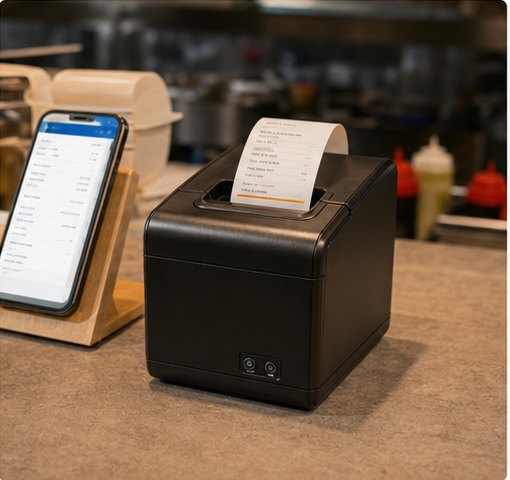
Kitchen and receipt tickets print automatically.
Ticket printed
Real-time sales and performance insights update instantly.
Insights updatedStart with POS and QR ordering, then add kitchen, delivery, loyalty and management tools as you grow.
Fast billing, split payments, discounts and multiple payment methods in one cashier screen.
Online
Multi-language menu, self pickup, dine-in and payment.
Active ordersReal-time tickets, station routing and status tracking.
PreparingConnect delivery platforms and manage orders in one place.
New ordersSales, items, staff, members and store performance reports.
Today's salesAll modules work together in one system
Seamless data flow across front counter, kitchen and management.POS Cashier
Turn dine-in, takeaway, discounts, member payments and receipt printing into one cashier flow your team can trust at peak hours.
Build front-counter flowRush-hour order entry
Add items, combos and notes quickly without slowing the counter.Payment without workarounds
Handle split bills, mixed payments and local wallets in the same checkout.Discounts stay controlled
Apply member pricing, points and coupons without manual recalculation.QR Ordering & Mini Program
Publish a local-language menu, let guests order from the table or pickup line, and sync everything back to cashier and kitchen.
Launch QR menuKitchen, Printing & Queue
Make sure POS, QR and kiosk orders land in the right station, print the right ticket, and update pickup status before staff have to chase it.
Route kitchen ordersTickets stay visible
New, cooking and ready states keep each station aligned.Printer routing is automatic
Tickets go to the right prep area with fewer verbal handoffs.Pickup status is clear
Call numbers and queue displays keep guests and staff in sync.Management & Reports
See sales, menu margin, member activity, staff actions and branch health in one management view before small problems become expensive.
Review manager dashboardDaily sales context
Orders, payments, menu mix and average ticket update during service.Menu and member signals
Spot margin changes, coupon effects and repeat-customer behavior.Branch health at a glance
Compare stores, permissions, prices and publishing status in one view.Use cases
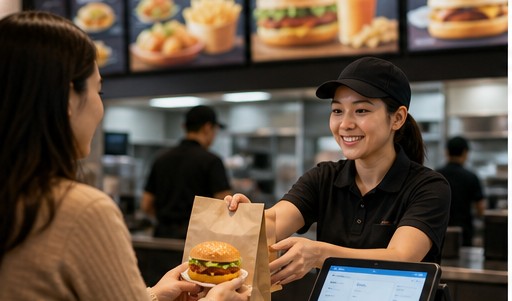
Speed up counter service and increase table turnover.

Manage combos, modifiers, labels and smooth pickup flow.
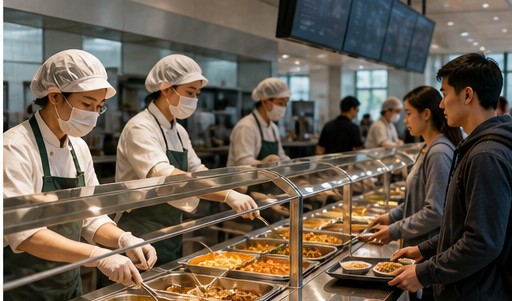
Batch meals, pre-orders and clear pickup across busy dining periods.
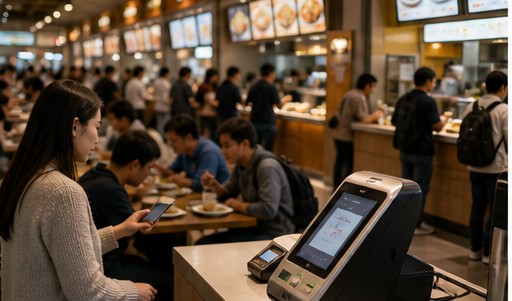
Shared payments, settlement, queue control and unified reporting.
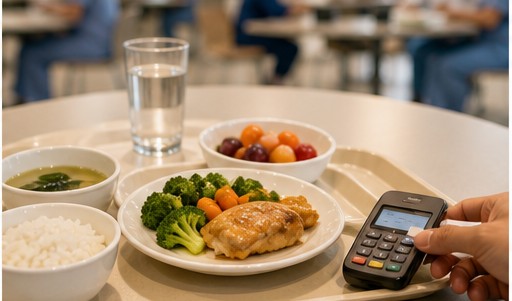
Pre-order meals, subsidies, nutrition menus and accurate settlement.
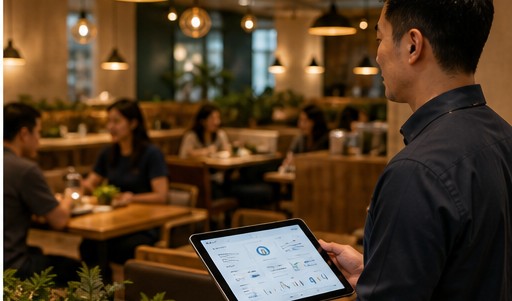
Standardize operations, permissions and reports across branches.
5-step launch
Choose interface language, currency, date and tax format.
Import menu, set prices, options and modifiers.
Connect POS, KDS, printer and payment methods.
Manage staff roles and permissions. Start training.
Go live and track performance. Keep growing.
Try POS, QR ordering, kitchen and reports in a demo workspace before committing to rollout.


