

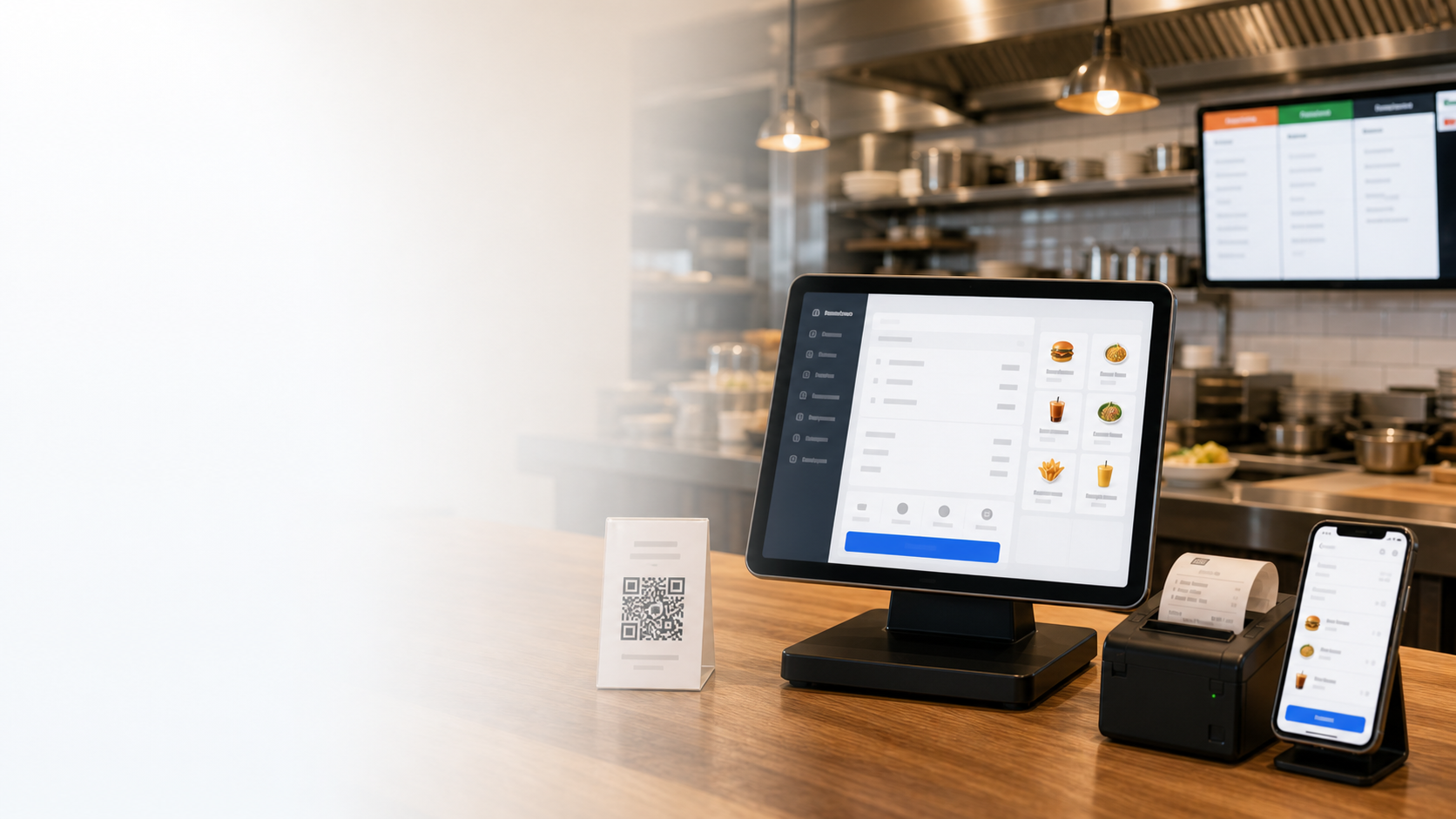


Interfaccia nella lingua del team
Sito, POS, KDS, gestione mobile e report restano nella lingua del mercato scelto.
All-in-one restaurant system
Run cashier, QR ordering, kitchen display, delivery, loyalty and reports from one cloud platform in your market language.
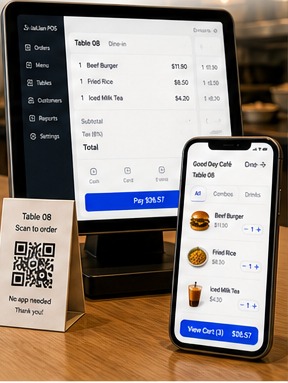
Sito, POS, KDS, gestione mobile e report restano nella lingua del mercato scelto.
Date, etichette fiscali, termini di pagamento e valuta seguono le abitudini locali.
Cassa, cucina e manager vedono solo i controlli necessari.
Guide, formazione e supporto locale aiutano il team a iniziare rapidamente.
500.000+
Esercenti fidati
In oltre 30 paesi
170+
Moduli potenti
Cassa, cucina e gestione del locale
99.9%
Stabilità del sistema
Operatività stabile nel cloud
Live 99.9%
POS + QR + KDS
Soluzione integrata
Report mobili e cloud inclusi
Localizza POS, QR, cucina, gestione mobile e report senza cambiare il flusso operativo.
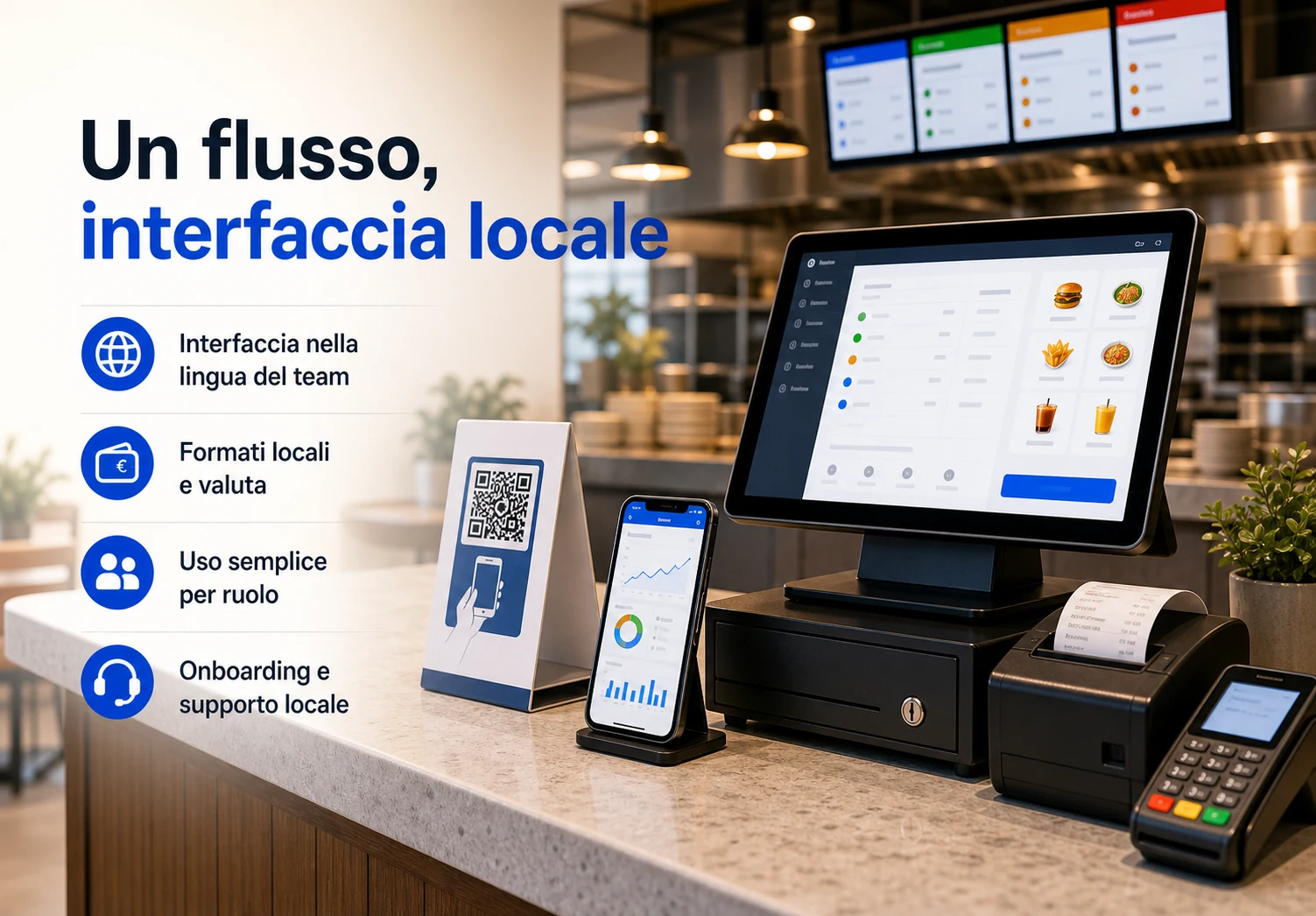
Sito, POS, KDS, gestione mobile e report restano nella lingua del mercato scelto.
Date, etichette fiscali, termini di pagamento e valuta seguono le abitudini locali.
Cassa, cucina e manager vedono solo i controlli necessari.
Guide, formazione e supporto locale aiutano il team a iniziare rapidamente.
Un sistema localizzato sincronizza ordini, cassa, cucina e gestione durante ogni turno.
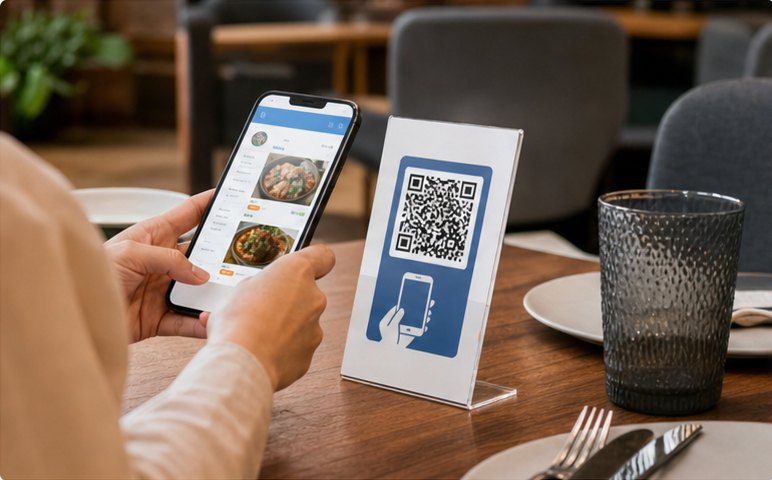
I clienti scansionano il QR, vedono il menu in italiano e ordinano da soli.
Ordine inviato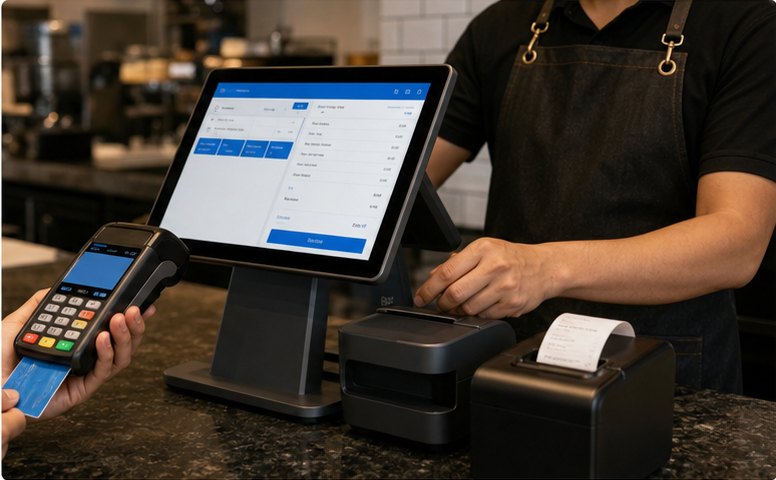
Il cassiere controlla gli ordini, divide i conti ed esegue il pagamento.
Pagamento ricevuto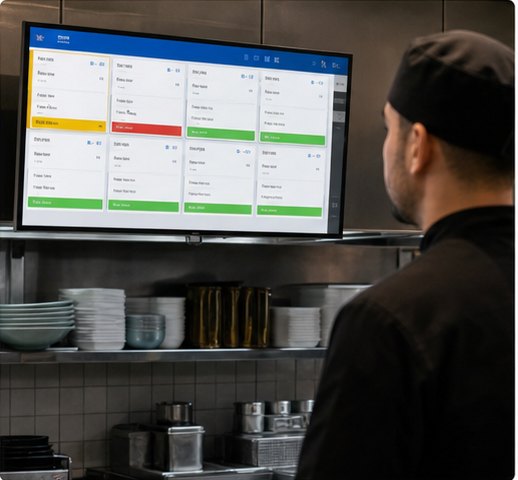
Il KDS mostra gli ordini per stazione e organizza la preparazione.
In cucina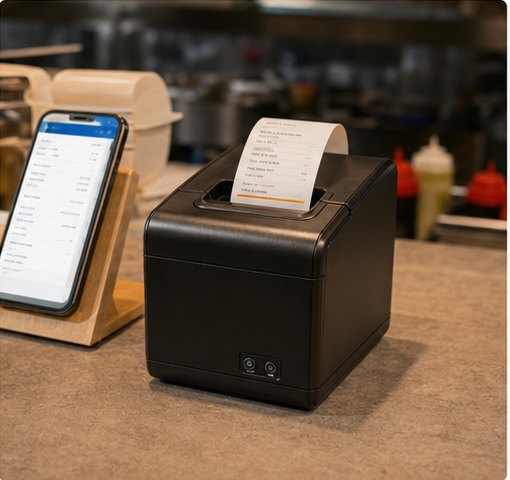
Comande e ricevute vengono stampate automaticamente per zona.
Ticket stampato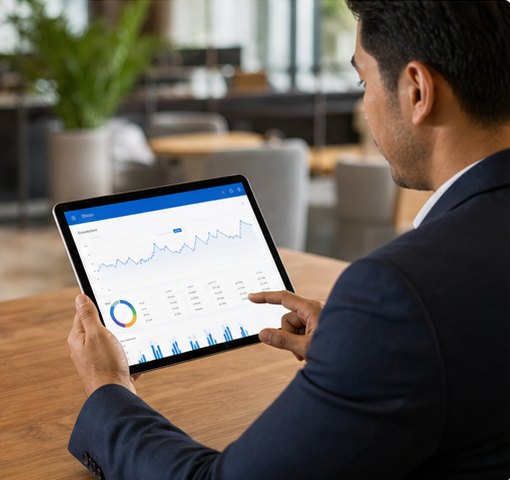
Le vendite e le metriche del locale sono aggiornate all'istante.
Report aggiornatoStart with POS and QR ordering, then add kitchen, delivery, loyalty and management tools as you grow.
Fatturazione rapida, conti divisi, sconti e molteplici metodi di pagamento su uno schermo.
Attivo
Menu multilingue, asporto, consumo sul posto e pagamento sicuro.
Ordini attiviComande in tempo reale, instradamento per stazione e stato.
In preparazioneCollega app di consegna e gestisci gli ordini in modo centralizzato.
Nuovi ordiniVendite, piatti popolari, camerieri, iscritti e succursali.
Vendite oggiTutti i moduli operano con dati unificati
Flusso di informazioni senza interruzioni tra sala, cucina e amministrazione.POS Cashier
Turn dine-in, takeaway, discounts, member payments and receipt printing into one cashier flow your team can trust at peak hours.
Build front-counter flowRush-hour order entry
Add items, combos and notes quickly without slowing the counter.Payment without workarounds
Handle split bills, mixed payments and local wallets in the same checkout.Discounts stay controlled
Apply member pricing, points and coupons without manual recalculation.QR Ordering & Mini Program
Publish a local-language menu, let guests order from the table or pickup line, and sync everything back to cashier and kitchen.
Launch QR menuKitchen, Printing & Queue
Make sure POS, QR and kiosk orders land in the right station, print the right ticket, and update pickup status before staff have to chase it.
Route kitchen ordersTickets stay visible
New, cooking and ready states keep each station aligned.Printer routing is automatic
Tickets go to the right prep area with fewer verbal handoffs.Pickup status is clear
Call numbers and queue displays keep guests and staff in sync.Management & Reports
See sales, menu margin, member activity, staff actions and branch health in one management view before small problems become expensive.
Review manager dashboardDaily sales context
Orders, payments, menu mix and average ticket update during service.Menu and member signals
Spot margin changes, coupon effects and repeat-customer behavior.Branch health at a glance
Compare stores, permissions, prices and publishing status in one view.Use cases
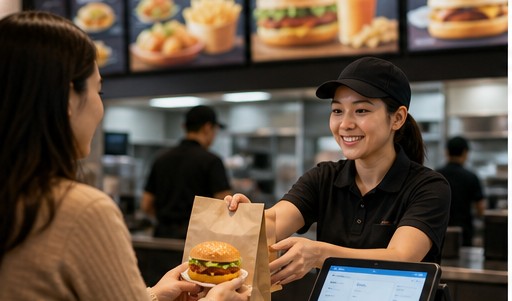
Speed up counter service and increase table turnover.

Manage combos, modifiers, labels and smooth pickup flow.
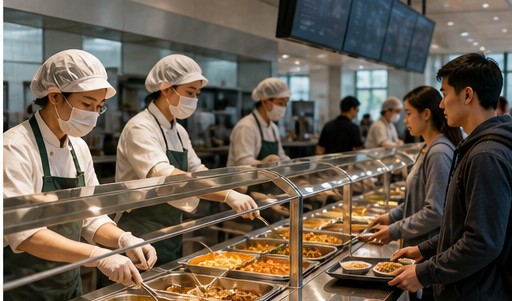
Batch meals, pre-orders and clear pickup across busy dining periods.
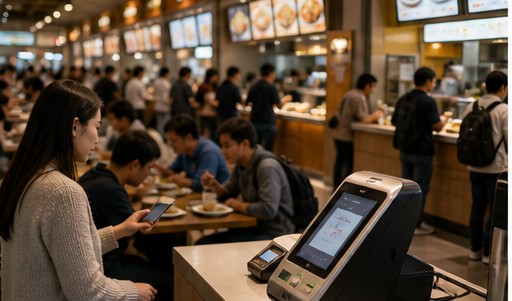
Shared payments, settlement, queue control and unified reporting.
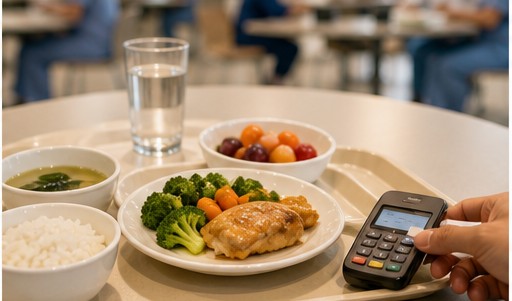
Pre-order meals, subsidies, nutrition menus and accurate settlement.
Standardize operations, permissions and reports across branches.
5-step launch
Choose interface language, currency, date and tax format.
Import menu, set prices, options and modifiers.
Connect POS, KDS, printer and payment methods.
Manage staff roles and permissions. Start training.
Go live and track performance. Keep growing.
Prova POS, ordini QR, cucina e report prima di impegnarti nel rollout.


