

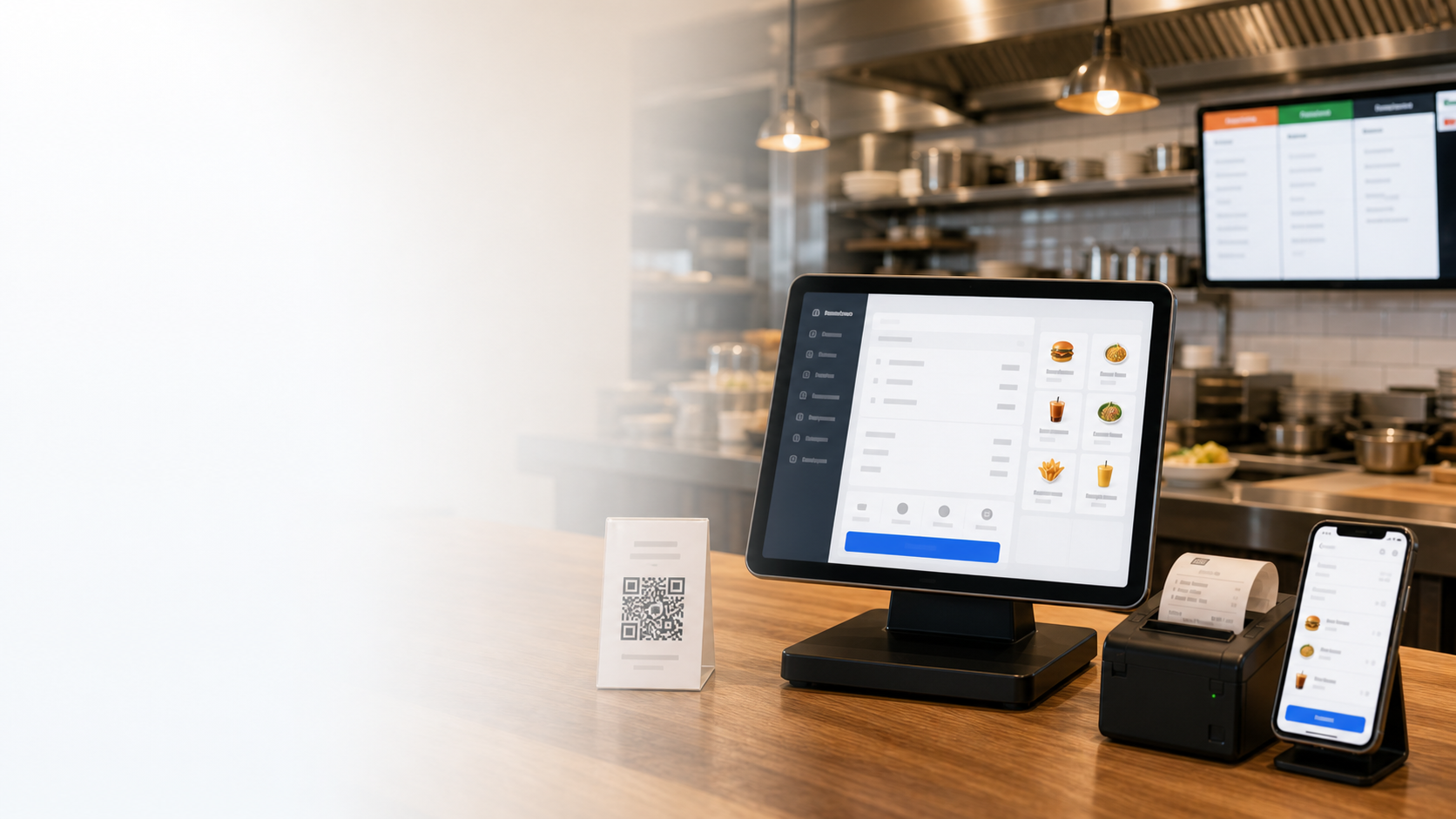


Interface no idioma da equipe
Site, POS, KDS, gestão móvel e relatórios ficam no idioma de mercado escolhido.
All-in-one restaurant system
Run cashier, QR ordering, kitchen display, delivery, loyalty and reports from one cloud platform in your market language.
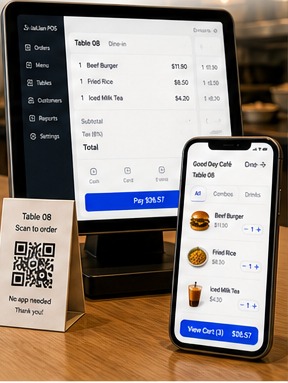
Site, POS, KDS, gestão móvel e relatórios ficam no idioma de mercado escolhido.
Datas, etiquetas fiscais, termos de pagamento e moeda seguem os hábitos locais.
Caixa, cozinha e gestor veem apenas os controles de que precisam.
Guias, treinamento e suporte local ajudam a equipe a começar rapidamente.
500.000+
Clientes confiam
Em mais de 30 países
170+
Funções potentes
Caja, cozinha e gestão de restaurante
99.9%
Estabilidade do sistema
Operação estável na nuvem
Live 99.9%
POS + QR + KDS
Solução integral
Relatórios móveis e web incluídos
Localize POS, QR, cozinha, gestão móvel e relatórios sem mudar o fluxo operacional.
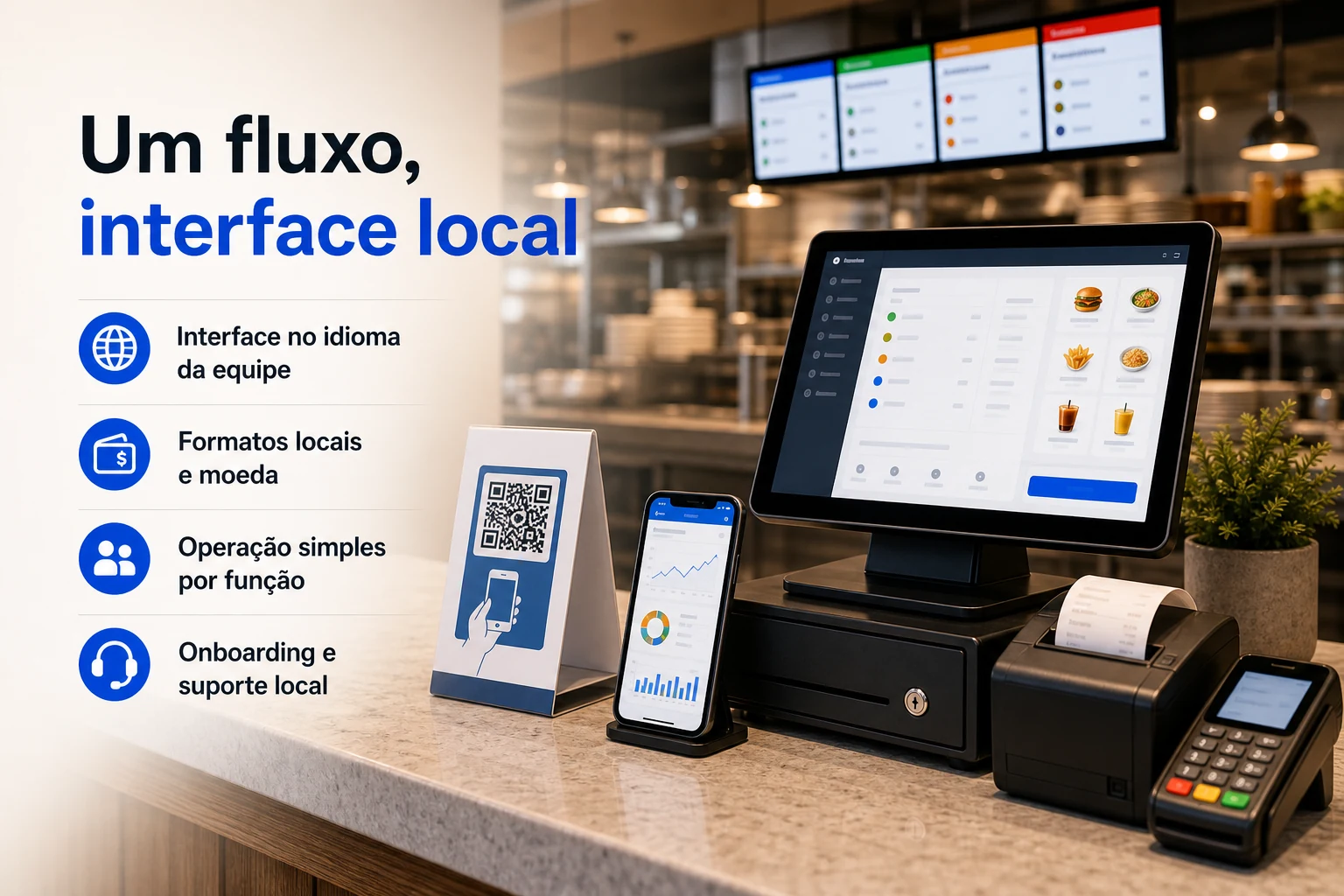
Site, POS, KDS, gestão móvel e relatórios ficam no idioma de mercado escolhido.
Datas, etiquetas fiscais, termos de pagamento e moeda seguem os hábitos locais.
Caixa, cozinha e gestor veem apenas os controles de que precisam.
Guias, treinamento e suporte local ajudam a equipe a começar rapidamente.
Um sistema localizado mantém sincronizados pedidos, caixa, cozinha e gestão a cada turno.
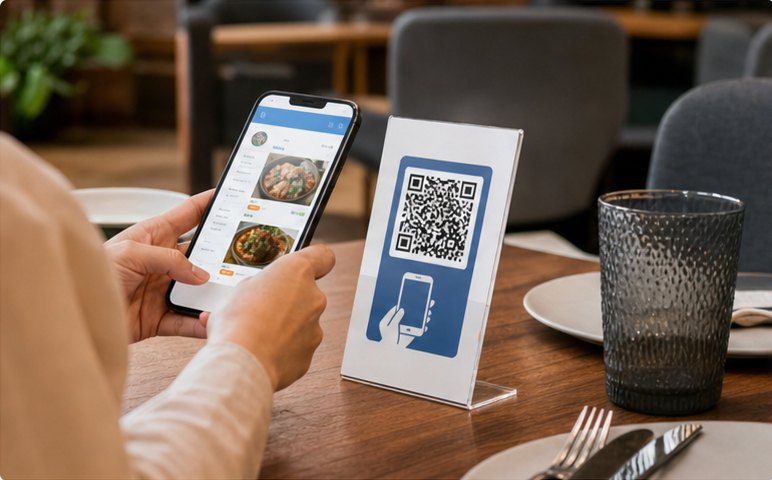
Clientes escaneiam QR, veem menu localizado e pedem.
Pedido enviado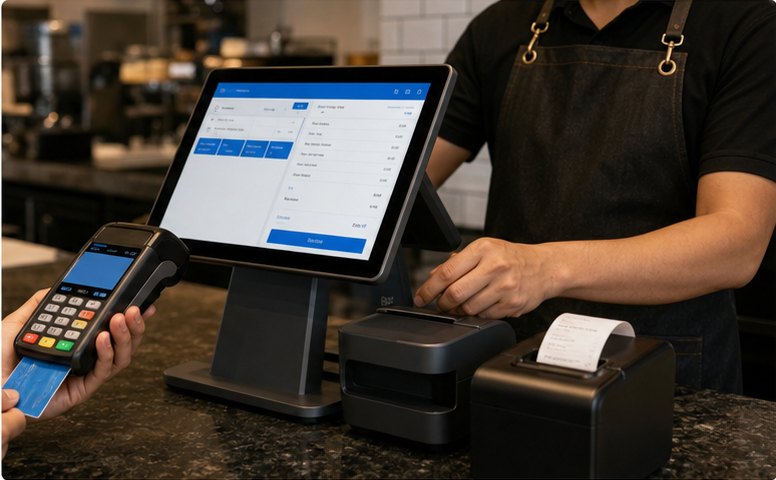
O caixa revisa pedidos, divide contas e processa pagamento.
Pagamento recebido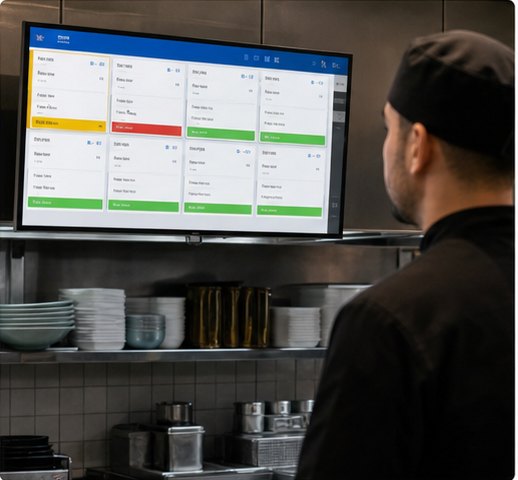
KDS mostra pedidos por estação e organiza a preparação.
Em cozinha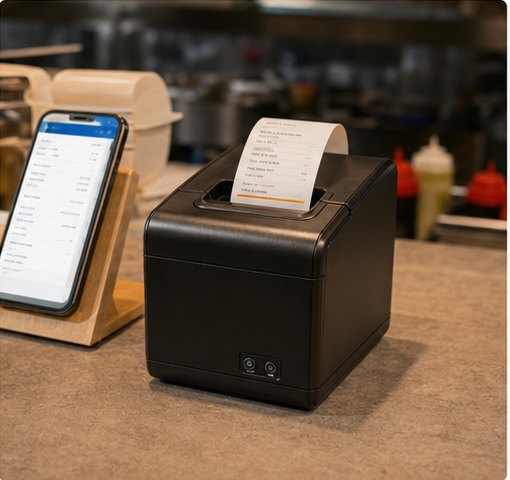
Comandas e recibos são impressos automaticamente por área.
Ticket impresso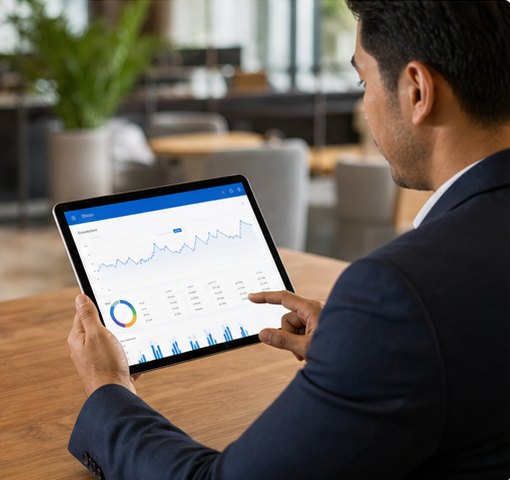
As vendas e indicadores do local são atualizados ao instante.
Relatório atualizadoStart with POS and QR ordering, then add kitchen, delivery, loyalty and management tools as you grow.
Faturação rápida, contas divididas, descontos e múltiplos meios de pagamento num único ecrã.
Ativo
Menu multi-idioma, take-away, consumo no local e pagamento seguro.
Pedidos ativosTickets em tempo real, ruteamento por estação e status.
A prepararConecte apps de entrega e gira pedidos de forma centralizada.
Novos pedidosVendas, pratos populares, empregados, membros e sucursais.
Ventas hojeTodos os módulos funcionam com dados unificados
Fluxo de informação sem interrupções entre sala, cozinha e administração.POS Cashier
Turn dine-in, takeaway, discounts, member payments and receipt printing into one cashier flow your team can trust at peak hours.
Build front-counter flowRush-hour order entry
Add items, combos and notes quickly without slowing the counter.Payment without workarounds
Handle split bills, mixed payments and local wallets in the same checkout.Discounts stay controlled
Apply member pricing, points and coupons without manual recalculation.QR Ordering & Mini Program
Publish a local-language menu, let guests order from the table or pickup line, and sync everything back to cashier and kitchen.
Launch QR menuKitchen, Printing & Queue
Make sure POS, QR and kiosk orders land in the right station, print the right ticket, and update pickup status before staff have to chase it.
Route kitchen ordersTickets stay visible
New, cooking and ready states keep each station aligned.Printer routing is automatic
Tickets go to the right prep area with fewer verbal handoffs.Pickup status is clear
Call numbers and queue displays keep guests and staff in sync.Management & Reports
See sales, menu margin, member activity, staff actions and branch health in one management view before small problems become expensive.
Review manager dashboardDaily sales context
Orders, payments, menu mix and average ticket update during service.Menu and member signals
Spot margin changes, coupon effects and repeat-customer behavior.Branch health at a glance
Compare stores, permissions, prices and publishing status in one view.Use cases
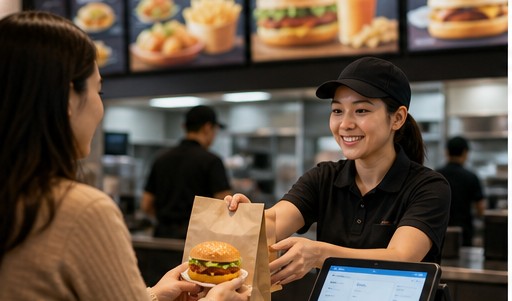
Speed up counter service and increase table turnover.

Manage combos, modifiers, labels and smooth pickup flow.
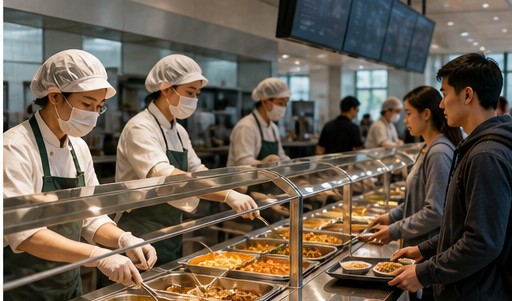
Batch meals, pre-orders and clear pickup across busy dining periods.
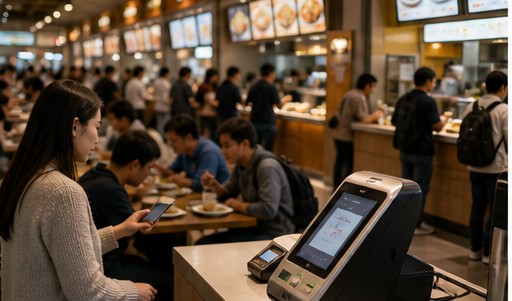
Shared payments, settlement, queue control and unified reporting.
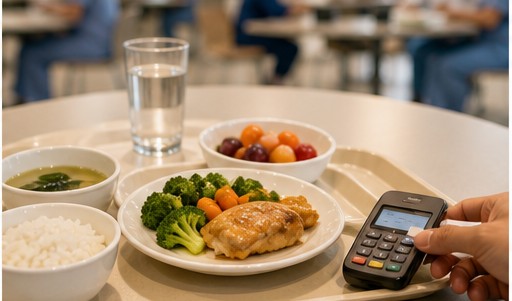
Pre-order meals, subsidies, nutrition menus and accurate settlement.
Standardize operations, permissions and reports across branches.
5-step launch
Choose interface language, currency, date and tax format.
Import menu, set prices, options and modifiers.
Connect POS, KDS, printer and payment methods.
Manage staff roles and permissions. Start training.
Go live and track performance. Keep growing.
Teste POS, pedidos QR, cozinha e relatórios antes de definir a implantação.


