

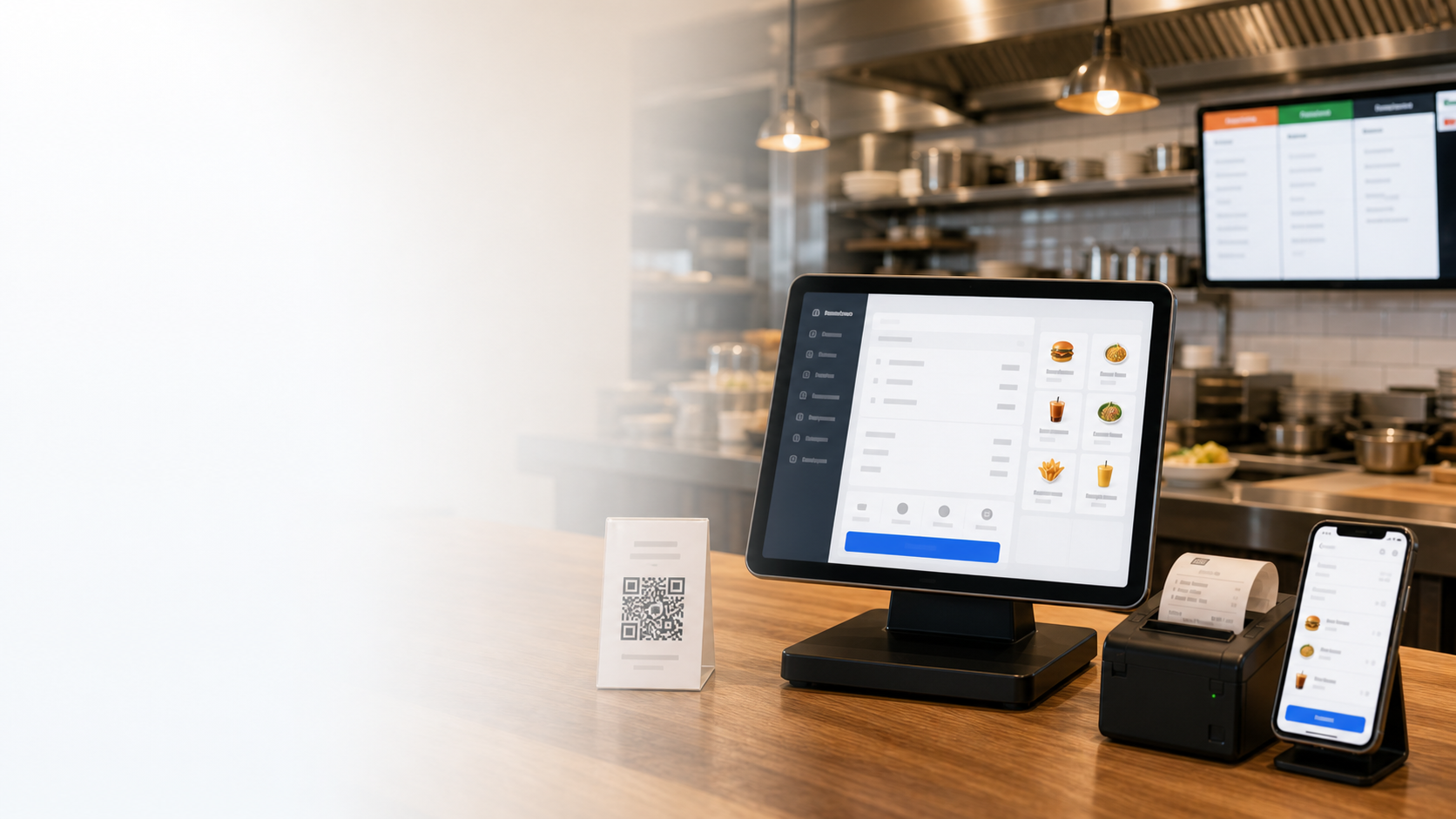


Ekibinizin dilinde arayüz
Web sitesi, POS, KDS, mobil yönetim ve raporlar seçilen pazar dilinde kalır.
All-in-one restaurant system
Run cashier, QR ordering, kitchen display, delivery, loyalty and reports from one cloud platform in your market language.
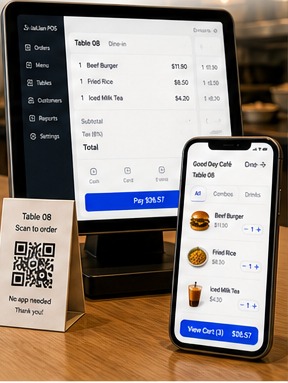
Web sitesi, POS, KDS, mobil yönetim ve raporlar seçilen pazar dilinde kalır.
Tarih, vergi etiketleri, ödeme terimleri ve para birimi yerel alışkanlıklara uyar.
Kasiyer, mutfak ve yönetici yalnızca ihtiyaç duydukları kontrolleri görür.
Yerel dil rehberleri, eğitim ve destek ekibin hızlı başlamasına yardımcı olur.
500,000+
Üye işyeri güveni
30'dan fazla ülkede aktif
170+
Güçlü modüller
Kasa, mutfak ve işletme yönetimini kapsar
99.9%
Sistem kararlılığı
Bulutta kararlı ve güvenli çalışma
Canlı 99.9%
POS + QR + KDS
Hepsi bir arada çözüm
Mobil ve bulut raporları dahildir
POS, QR, mutfak, mobil yönetim ve raporları operasyon akışını değiştirmeden yerelleştirin.
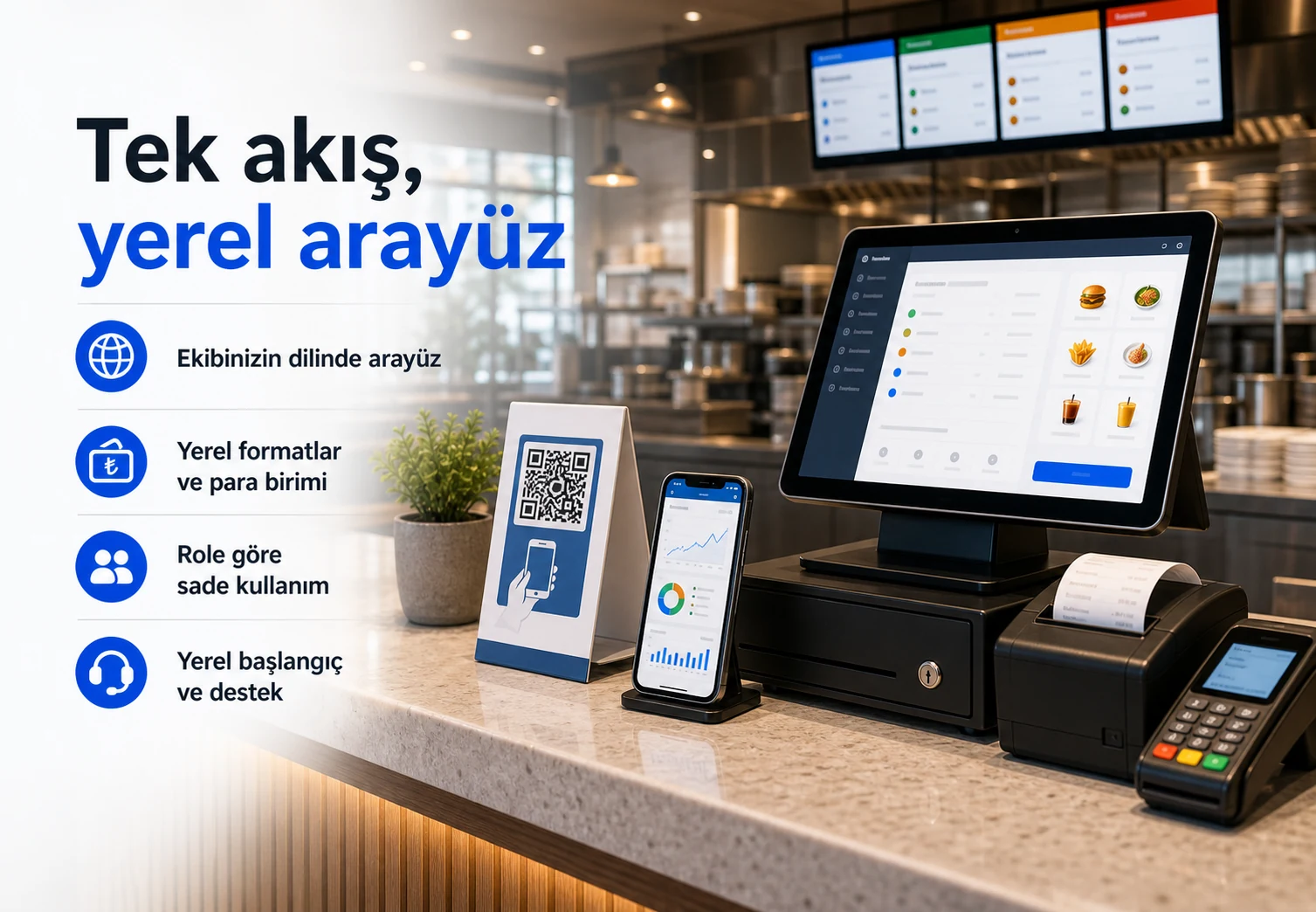
Web sitesi, POS, KDS, mobil yönetim ve raporlar seçilen pazar dilinde kalır.
Tarih, vergi etiketleri, ödeme terimleri ve para birimi yerel alışkanlıklara uyar.
Kasiyer, mutfak ve yönetici yalnızca ihtiyaç duydukları kontrolleri görür.
Yerel dil rehberleri, eğitim ve destek ekibin hızlı başlamasına yardımcı olur.
Yerelleştirilmiş tek sistem sipariş, kasa, mutfak ve yönetimi senkronize eder.
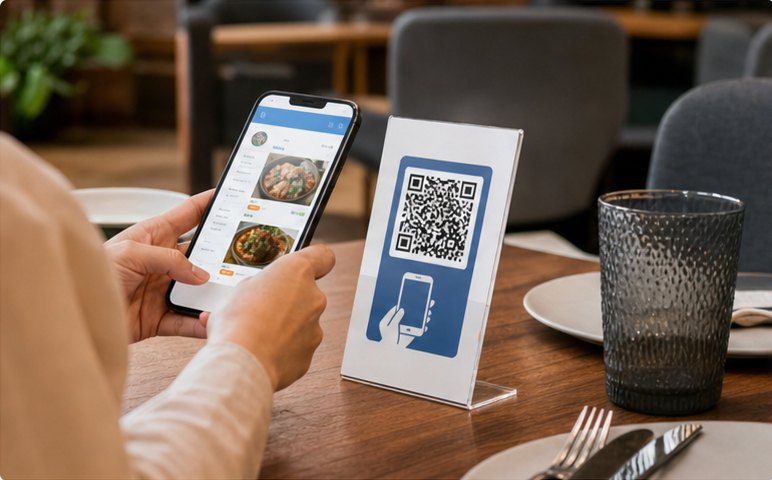
Müşteriler QR kodu tarar, Türkçe menüyü görür ve sipariş verir.
Sipariş gönderildi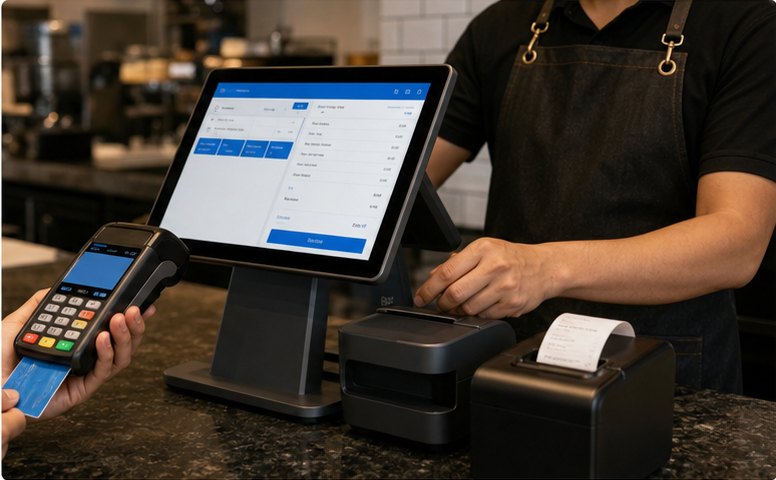
Kasiyer siparişi inceler, hesabı böler ve ödemeyi alır.
Ödeme alındı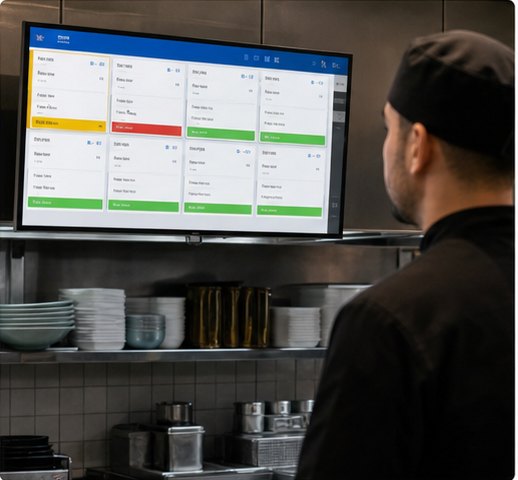
KDS, siparişleri istasyona göre gösterir ve hazırlığı düzenler.
Mutfakta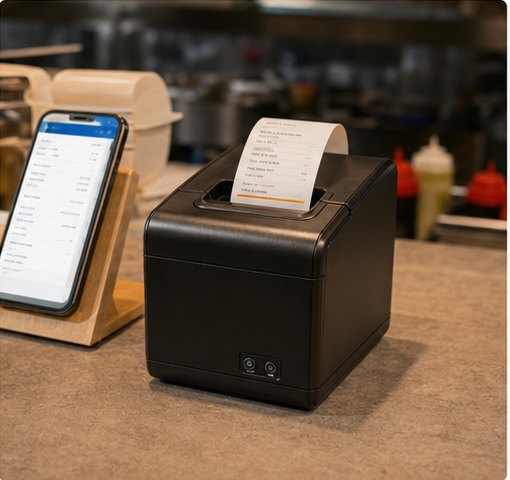
Mutfak fişleri ve faturalar otomatik olarak basılır.
Fiş yazdırıldı
Satışlar ve işletme analizleri anında güncellenir.
Rapor güncellendiStart with POS and QR ordering, then add kitchen, delivery, loyalty and management tools as you grow.
Hızlı faturalandırma, masa bölme, indirim ve tek ekranda çoklu ödeme yöntemi.
Etkin
Çok dilli menü, paket servis, masaya servis ve güvenli ödeme.
Aktif siparişlerGerçek zamanlı fişler, istasyona göre yönlendirme ve takip.
HazırlanıyorAna teslimat uygulamalarını bağlayın ve siparişleri konsolide edin.
Yeni siparişlerSatışlar, popüler yemekler, garsonlar, üyeler ve şubeler.
Satışlar bugünTüm modüller aynı veritabanında çalışır
Kasa, mutfak ve yönetim arasında kesintisiz bilgi akışı.POS Cashier
Turn dine-in, takeaway, discounts, member payments and receipt printing into one cashier flow your team can trust at peak hours.
Build front-counter flowRush-hour order entry
Add items, combos and notes quickly without slowing the counter.Payment without workarounds
Handle split bills, mixed payments and local wallets in the same checkout.Discounts stay controlled
Apply member pricing, points and coupons without manual recalculation.QR Ordering & Mini Program
Publish a local-language menu, let guests order from the table or pickup line, and sync everything back to cashier and kitchen.
Launch QR menuKitchen, Printing & Queue
Make sure POS, QR and kiosk orders land in the right station, print the right ticket, and update pickup status before staff have to chase it.
Route kitchen ordersTickets stay visible
New, cooking and ready states keep each station aligned.Printer routing is automatic
Tickets go to the right prep area with fewer verbal handoffs.Pickup status is clear
Call numbers and queue displays keep guests and staff in sync.Management & Reports
See sales, menu margin, member activity, staff actions and branch health in one management view before small problems become expensive.
Review manager dashboardDaily sales context
Orders, payments, menu mix and average ticket update during service.Menu and member signals
Spot margin changes, coupon effects and repeat-customer behavior.Branch health at a glance
Compare stores, permissions, prices and publishing status in one view.Use cases
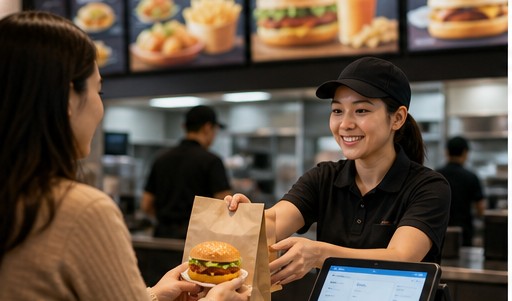
Speed up counter service and increase table turnover.

Manage combos, modifiers, labels and smooth pickup flow.
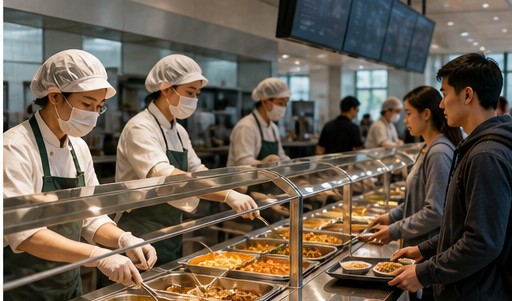
Batch meals, pre-orders and clear pickup across busy dining periods.
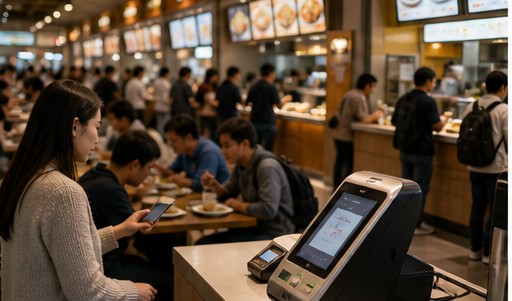
Shared payments, settlement, queue control and unified reporting.
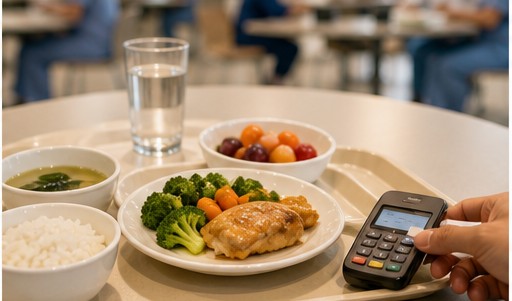
Pre-order meals, subsidies, nutrition menus and accurate settlement.
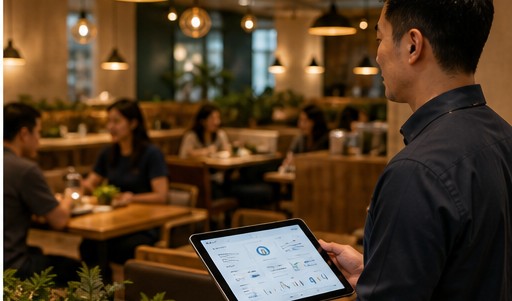
Standardize operations, permissions and reports across branches.
5-step launch
Choose interface language, currency, date and tax format.
Import menu, set prices, options and modifiers.
Connect POS, KDS, printer and payment methods.
Manage staff roles and permissions. Start training.
Go live and track performance. Keep growing.
Try POS, QR ordering, kitchen and reports in a demo workspace before committing to rollout.


